
15 Coding Games for Kids to Learn Programming
Make learning fun with coding games for kids that build logic, creativity, and early programming skills in an engaging way.




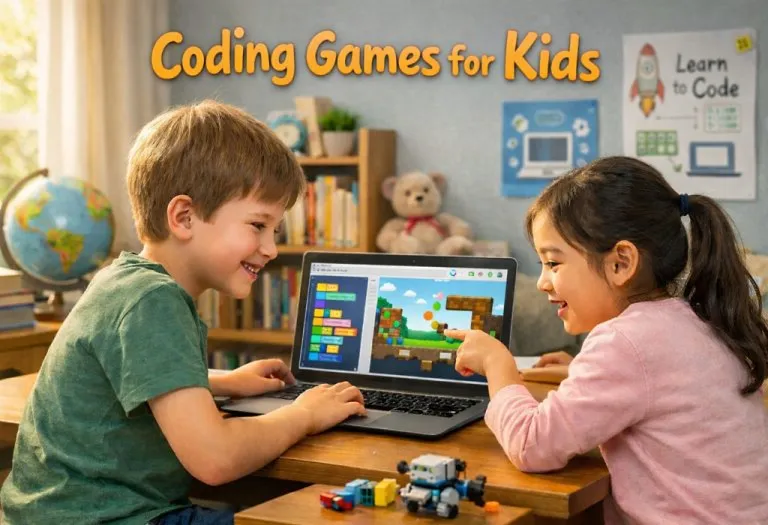
Image Source: AI-Generated Image
If you’ve ever seen a child pick up a tablet and just figure it out within minutes, you already know how quickly kids adapt to technology. Getting their attention isn’t the hard part—it’s helping them use that curiosity in a meaningful way. To turn that curiosity into real skills, coding games for kids provide an ideal starting point. They turn abstract ideas like logic, sequences, and problem-solving into something playful and hands-on.
To get started, here are 15 coding games that make learning to program both fun and effective for kids of all ages.
Benefits of Coding Games for Kids
When kids learn through play, they stay curious and open to trying new things. Coding games make learning feel light and enjoyable instead of stressful. Many parents notice their children becoming more patient and focused over time. With the help of online coding games and coding games for children, kids build skills without feeling like they are studying.
- It builds problem-solving skills as kids learn to think step by step and fix mistakes on their own.
- Improves focus and patience through small challenges that require attention and effort.
- Encourages creativity by letting kids create stories, games, and simple projects.
- Boosts confidence when children complete levels and see their ideas come to life.
- Develops logical thinking, which helps not only in coding but also in school subjects.
Best Coding Games for Kids
Finding the right game for young kids can feel confusing at first. At this age, children learn best through simple play and clear visuals. The goal is not to teach everything at once but to spark curiosity. Many coding games for kids are free, and computer coding games for kids make learning gentle, fun and easy to follow.
1. ScratchJr
Source: Pinterest
ScratchJr lets young kids create simple stories and animations using colourful blocks. It feels like playing with digital toys rather than learning something difficult. Children enjoy moving characters and adding sounds while slowly understanding how actions connect. It is a calm and creative starting point for beginners.
Age: 5 to 7 years
Platform: Android & iOS
Cost: Free
2. Kodable
Source: Pinterest
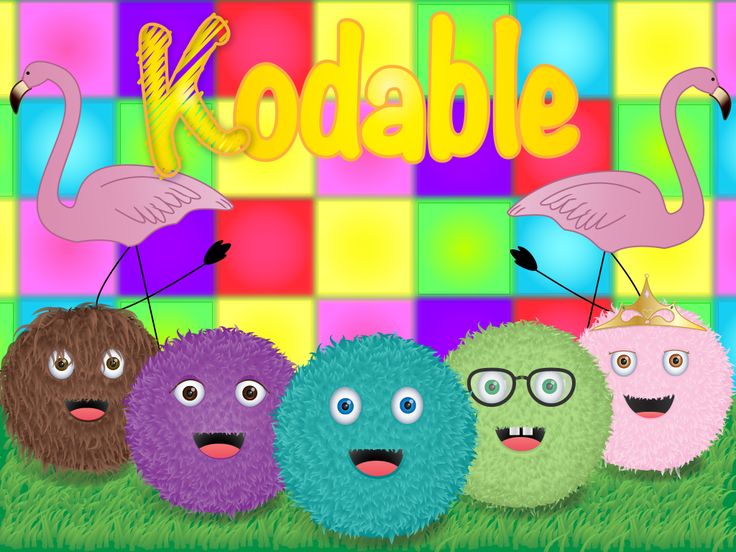
Kodable introduces basic logic through cute characters and simple paths. Kids guide fuzzy creatures through mazes and learn direction and sequencing. It keeps things slow and friendly, so children do not feel overwhelmed. Many parents like how it builds thinking skills without needing reading skills.
Age: 5 to 8 years
Platform: Android & iOS Web
Cost: Free with paid plan
3. Lightbot
Lightbot is a puzzle game where kids guide a robot using simple commands. It quietly teaches sequencing and patterns without too many distractions. Children enjoy solving each level step by step. It is simple yet very effective for building logical thinking early.
Age: 6 to 8 years
Platform: Android & iOS
Cost: Paid
4. Code Karts
Source: Pinterest
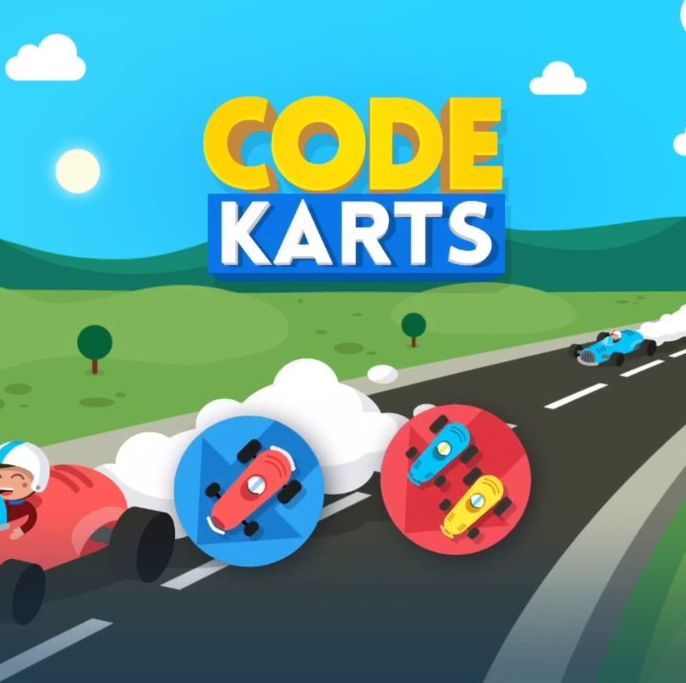
Code Karts turns coding into a racing game where kids arrange directions to move a car. It is very visual and easy to understand for beginners. Children enjoy the playful design and quick results. It helps build early problem-solving skills in a fun and relaxed way.
Age: 5 to 7 years
Platform: Android & iOS
Cost: Free with in-app purchases
5. Daisy the Dinosaur
Source: Daisy the Dinosaur
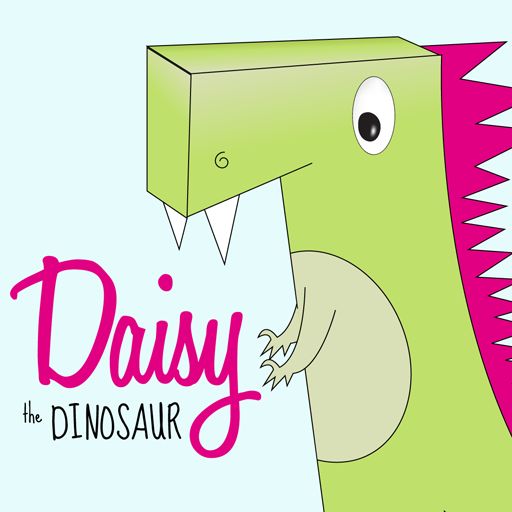
Daisy the Dinosaur is a simple app that teaches basic coding through fun challenges. Kids drag and drop commands to make Daisy move and perform actions. It is easy to start and does not feel heavy or confusing. Perfect for very young beginners exploring coding.
Age: 5 to 7 years
Platform: iOS
Cost: Free
6. Bee Bot App
Bee Bot helps kids learn directions and sequences by guiding a small robot. It uses bright visuals and simple controls that are easy to follow. Children enjoy exploring paths and solving small puzzles. It supports early thinking skills in a gentle way.
Age: 5 to 7 years
Platform:Android & iOS
Cost: Paid
7. Tynker Junior
Tynker Junior offers interactive stories and puzzles designed for young learners. Kids solve challenges and learn basic coding ideas step by step. It mixes fun characters with learning, so children stay engaged. A good option for structured yet playful learning.
Age: 5 to 8 years
Platform: Android & iOS
Cost: Free with paid plan
8. Code Monkey
Source: Pinterest
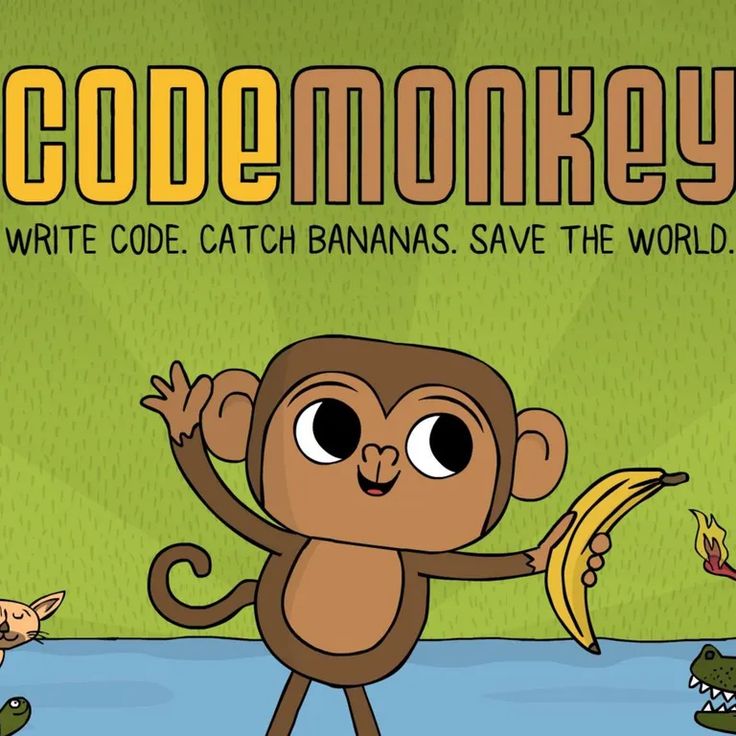
Code Monkey introduces coding through simple puzzles and cute characters. Kids help a monkey move and collect items using basic logic. It slowly builds understanding without pressure. Children enjoy the playful style and steady progress.
Age: 5 to 8 years
Platform: Web
Cost: Free with paid plan
9. Blockly Games
Blockly Games is a collection of small games that teach coding through blocks. Each game focuses on a different skill, like logic or loops. It is simple but very effective for beginners. Kids learn by doing rather than reading long instructions.
Age: 6 to 8 years
Platform: Web
Cost: Free
10. CodeSpark Academy
Source: Pinterest
CodeSpark uses stories and games to teach coding without words. This makes it ideal for kids who are still learning to read. Children solve puzzles and build simple projects. It keeps learning fun while developing strong thinking skills.
Age: 5 to 8 years
Platform: Android & iOS
Cost: Free with paid plan
11. Cargo Bot
Cargo Bot challenges kids to move boxes using simple commands. It looks simple, but it requires thinking and planning. Children enjoy finding better ways to solve each level. It quietly builds problem-solving and patience.
Age: 6 to 8 years
Platform: iOS
Cost: Free
12. Hopscotch
Hopscotch allows kids to create their own games and animations. It encourages creativity along with basic coding ideas. Children enjoy building something of their own and sharing it. It feels more like play than learning.
Age: 6 to 8 years
Platform: iOS
Cost: Free with paid plan
13. Osmo Coding
Osmo Coding combines physical blocks with digital gameplay. Kids place blocks to control characters on screen. This hands-on approach makes learning easier to understand. It is especially helpful for young children who learn better by doing.
Age: 5 to 8 years
Platform: iOS
Cost: Paid
14. RoboZZle

Source: Pinterest
RoboZZle is a puzzle game that teaches logic by guiding a robot. Kids use simple commands to solve colourful challenges. It is fun yet requires thinking and planning. A good choice for kids who enjoy puzzles.
Age: 6 to 8 years
Platform: Web
Cost: Free
15. Thinkrolls Play and Code
Source: Pinterest
Thinkrolls combines puzzles with early coding ideas in a playful way. Kids guide characters through obstacles using simple logic. It is very visual and easy to understand. Children enjoy solving each level at their own pace.
Age: 5 to 8 years
Platform: Android & iOS
Cost: Paid
The best part? Getting started is easier than it seems. So go ahead and explore a few options from the list—one of them might just spark an interest that grows into a lifelong skill.
Also Read:
Essay on Computer in English for Students & Children
Speech on Environment for Students & Children
Best Spring Books for Kids to Read This Season
Was This Article Helpful?
Parenting is a huge responsibility, for you as a caregiver, but also for us as a parenting content platform. We understand that and take our responsibility of creating credible content seriously. FirstCry Parenting articles are written and published only after extensive research using factually sound references to deliver quality content that is accurate, validated by experts, and completely reliable. To understand how we go about creating content that is credible, read our editorial policy here.
- Author
 About the Author






.svg)